For the complete documentation index, see llms.txt. This page is also available as Markdown.

Model pipelines on multiple devices

Clone a configured pipeline from one device to other devices on the same site.

Configure a pipeline on one device first, then clone it to other devices on the same site. You can fine-tune pipeline settings on each device individually after cloning.

Clone a Pipeline to Multiple Devices

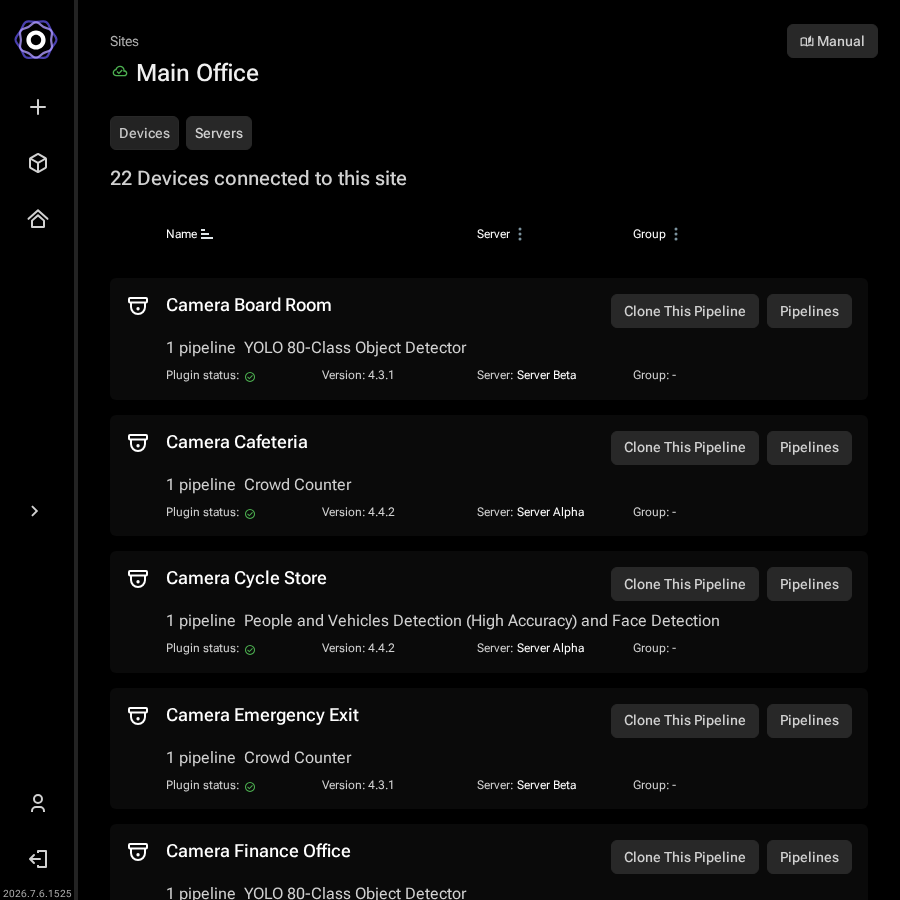
Start from the site's Devices page, which lists all devices and their currently assigned pipelines.

Site devices page showing cameras each with their assigned pipeline,
     Clone This Pipeline and Pipelines buttons, and a More info section below
Site devices page: each device shows its current pipeline and a Clone This Pipeline button.
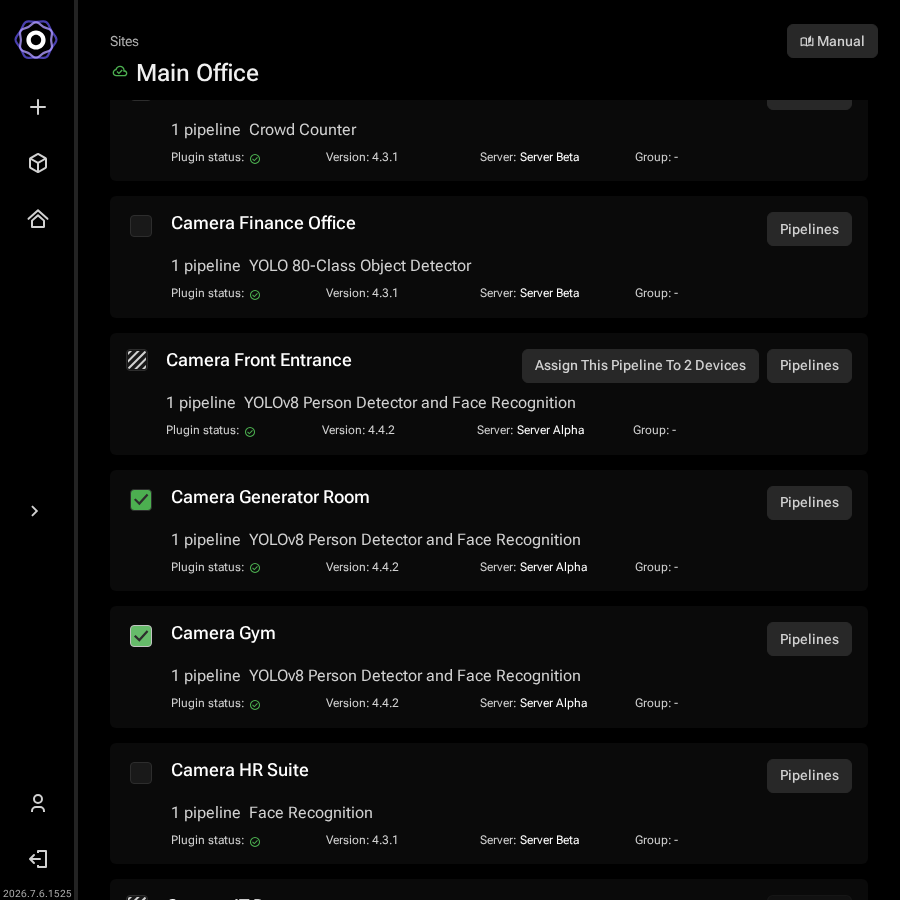
Hover over the device row whose pipeline you want to copy and click Clone This Pipeline. A banner at the top of the page confirms which pipeline is being cloned, and checkboxes appear next to each device that can receive it.

Tick the checkboxes next to the devices you want to receive the pipeline. Devices that are offline or have the plugin disabled cannot be selected.

Site devices list with an Assign This Pipeline To 2 Devices button on the
     source device's row and two target devices checked below it
Select the target devices, then click Assign This Pipeline.
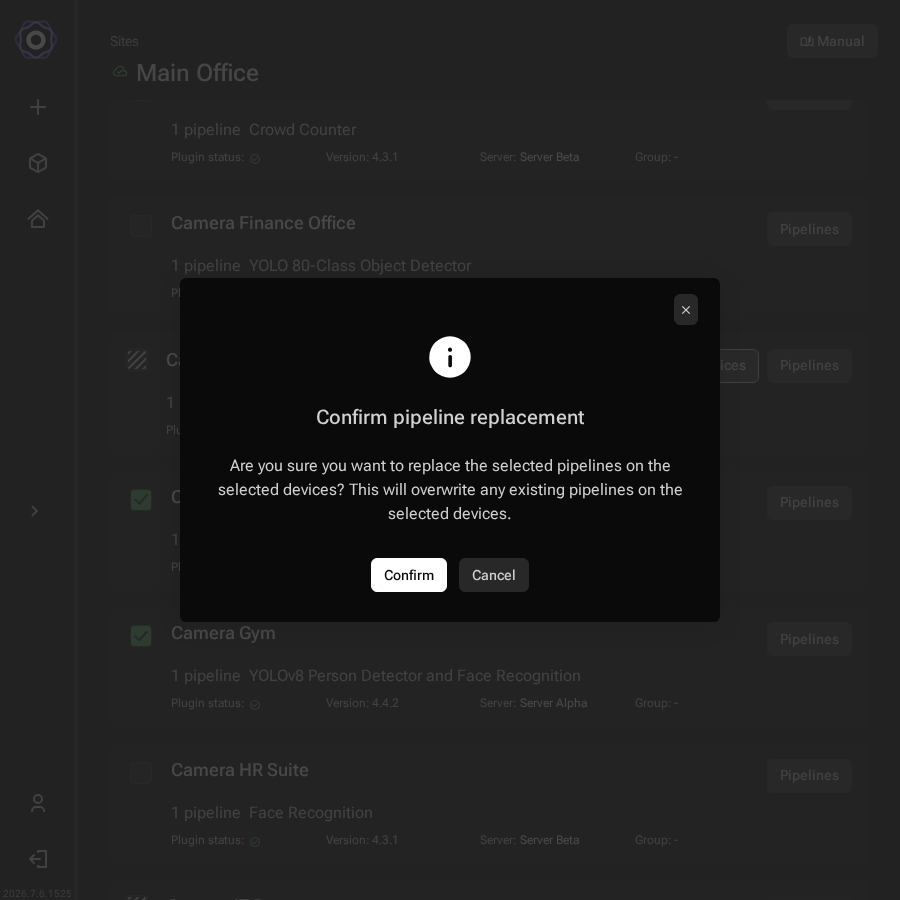
Click Assign This Pipeline. A confirmation dialog warns that existing pipelines on the selected devices will be overwritten.
Confirm pipeline replacement dialog asking if you are sure you want to replace
     the selected pipelines, with Confirm and Cancel buttons
Confirm the replacement: existing pipelines on the selected devices will be overwritten.

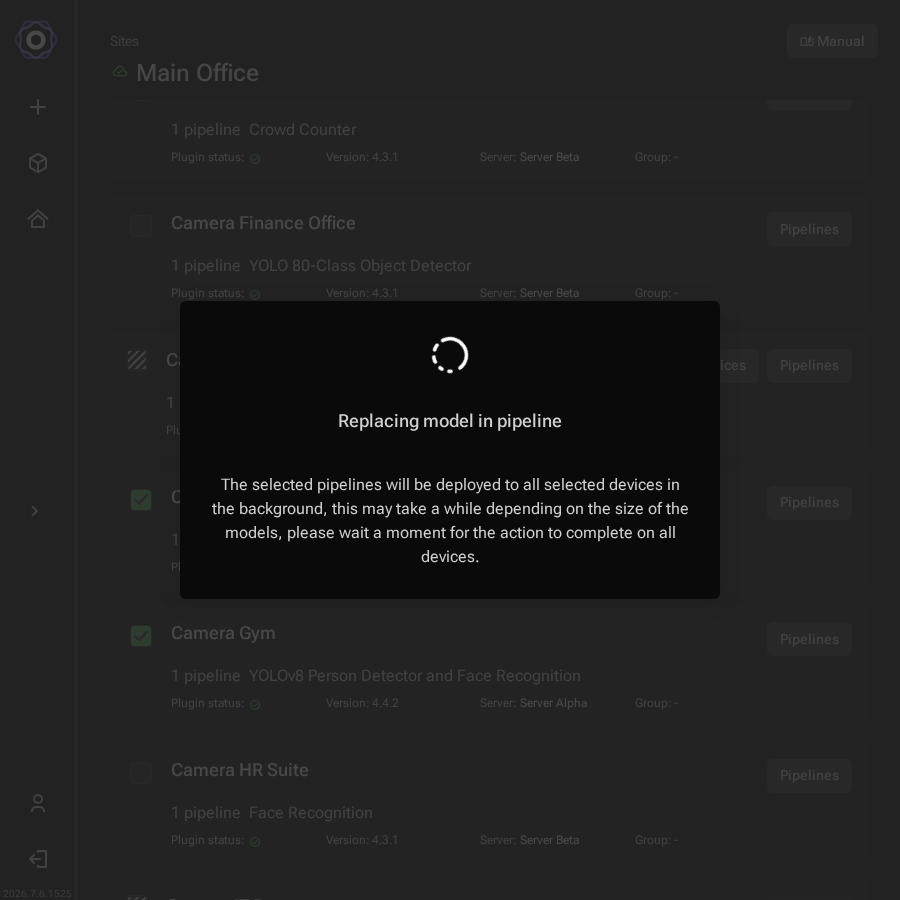
Click Confirm to proceed. The deployment runs in the background.

Replacing model in pipeline dialog with a spinner and a message that the
     selected pipelines will be deployed to all selected devices in the background
Pipeline deployment in progress: this runs in the background and may take a few seconds depending on model size.
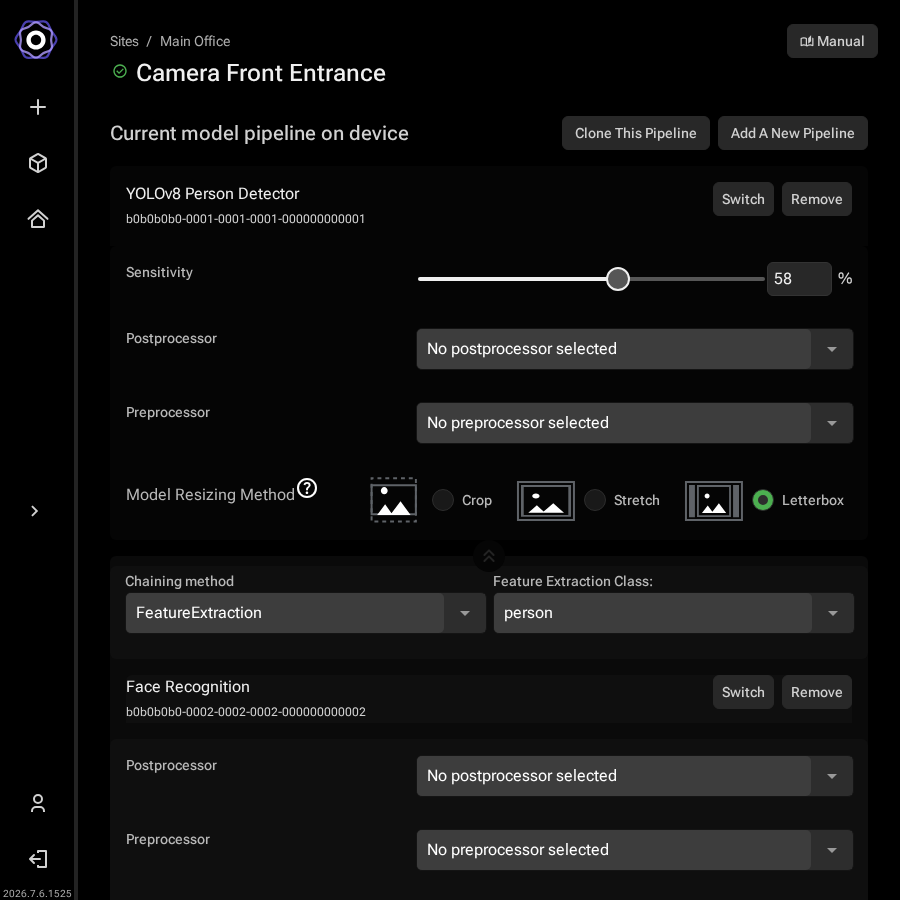
After deployment completes, the source device's page confirms the pipeline that was cloned.

Device detail page confirming the pipeline that was cloned to the selected
     devices
The pipeline is now cloned to the selected devices.

Open each device's detail page to verify the deployment or adjust settings for that device individually.

Last updated