> For the complete documentation index, see [llms.txt](https://nx.docs.scailable.net/llms.txt). Markdown versions of documentation pages are available by appending `.md` to page URLs; this page is available as [Markdown](https://nx.docs.scailable.net/ai-manager-v6.1.4/ai-manager-plugin/configure-the-plugin/plugin-settings/class-visualization.md).
# Class Visualization
Control which detected classes get visualized in the desktop client.
Some setups require controlling which types of objects get visualized and which to ignore. This is useful if you have a model which detects many class types, but you are only interested in some of them.
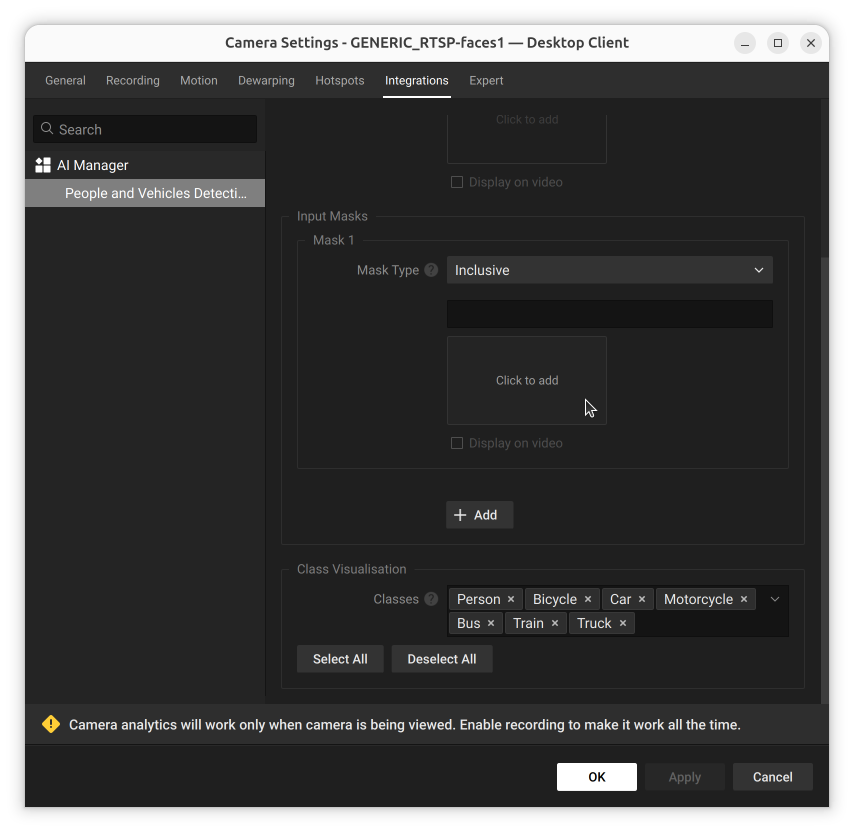
Classes are presented as a list of removable tags in the **Class Visualisation** section of Model Settings, with **Select All** and **Deselect All** buttons. This list is generated from the named output of the assigned model.
Class visualisation for a model with a short list of classes
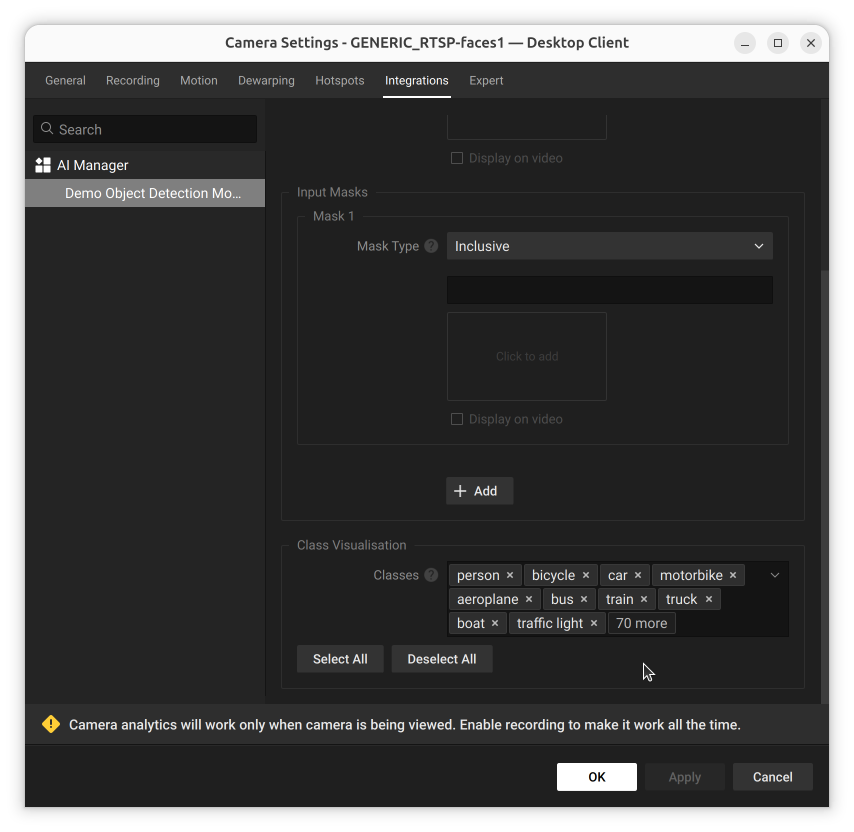
A model with many output classes shows an overflow count once the tags no longer fit:
Class visualisation for a model with a longer list of classes
Click the **×** on a single class tag to stop visualizing that class alone, without affecting the others. Reopen the classes dropdown to add an individual class back.
Click 'Apply' for changes to take effect.