> For the complete documentation index, see [llms.txt](https://nx.docs.scailable.net/llms.txt). Markdown versions of documentation pages are available by appending `.md` to page URLs; this page is available as [Markdown](https://nx.docs.scailable.net/ai-manager-v6.1.4/ai-manager-plugin/configure-the-plugin/plugin-settings/device-active.md).
# Device Active
The switch that starts sending a device's video stream to the AI Manager.
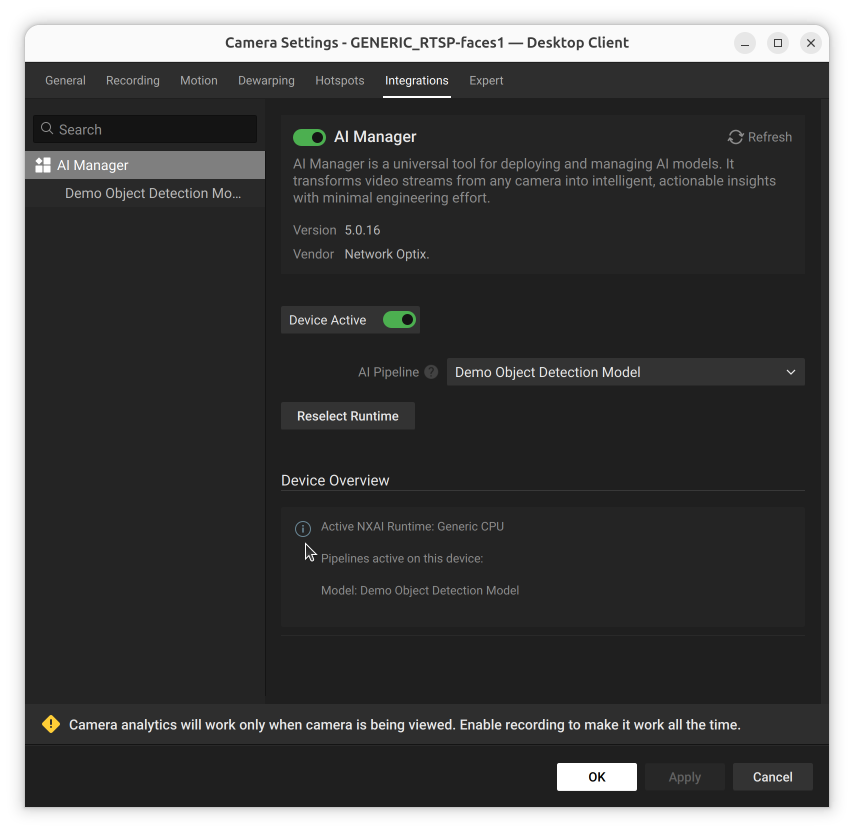
Enabling this switch sends frames from this device's video stream to the AI Manager for inference. The AI Manager runs as a separate process on the server, and is started if at least one device on the server has this setting enabled.
This setting is off by default. This lets the device, model pipeline, and settings be configured before enabling the device for the first time.
The Device Active toggle in the Integrations tab
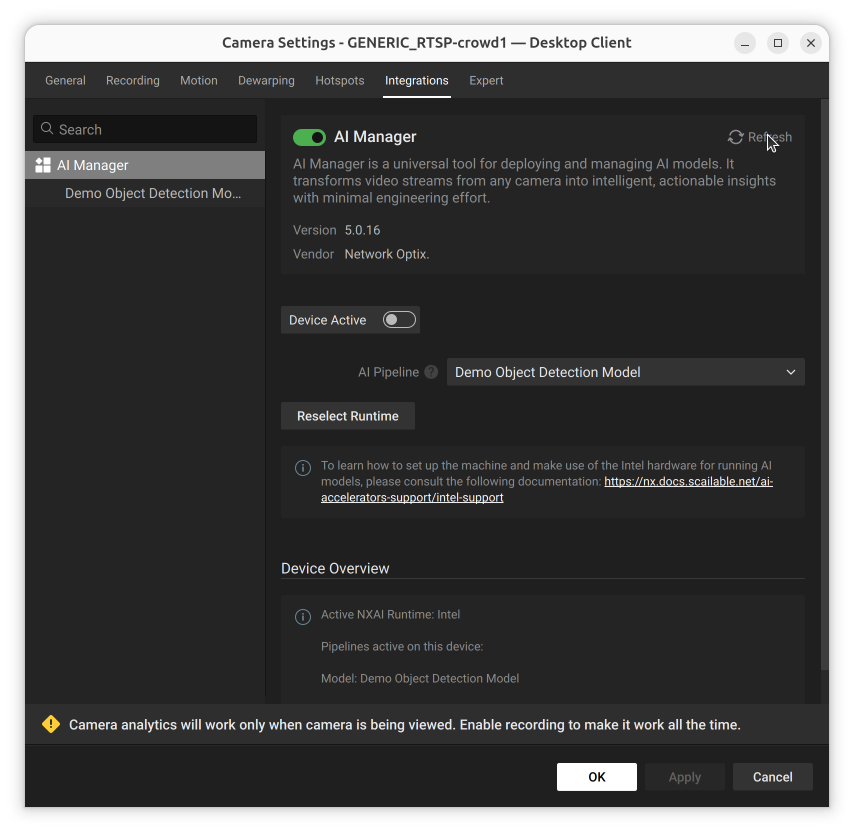
Switching it off greys out the AI Pipeline and Reselect Runtime controls, since there is nothing to configure while the device is inactive:
Device Active switched off: pipeline controls are greyed out