> For the complete documentation index, see [llms.txt](https://nx.docs.scailable.net/llms.txt). Markdown versions of documentation pages are available by appending `.md` to page URLs; this page is available as [Markdown](https://nx.docs.scailable.net/ai-manager-v6.1.4/ai-manager-plugin/configure-the-plugin/plugin-settings/device-overview.md).
# Device Overview
A compact overview of a device's active runtime and assigned pipelines.
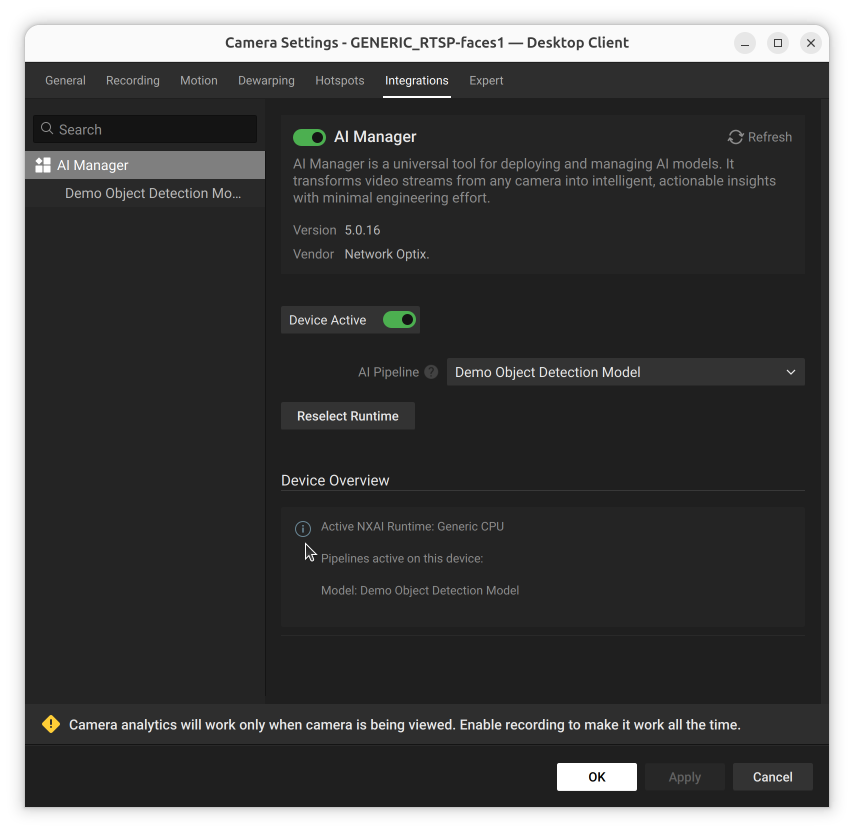
A compact overview of the device's settings, including which acceleration runtime is active, and an overview of the assigned pipelines.
Device Overview summarizing the active pipeline
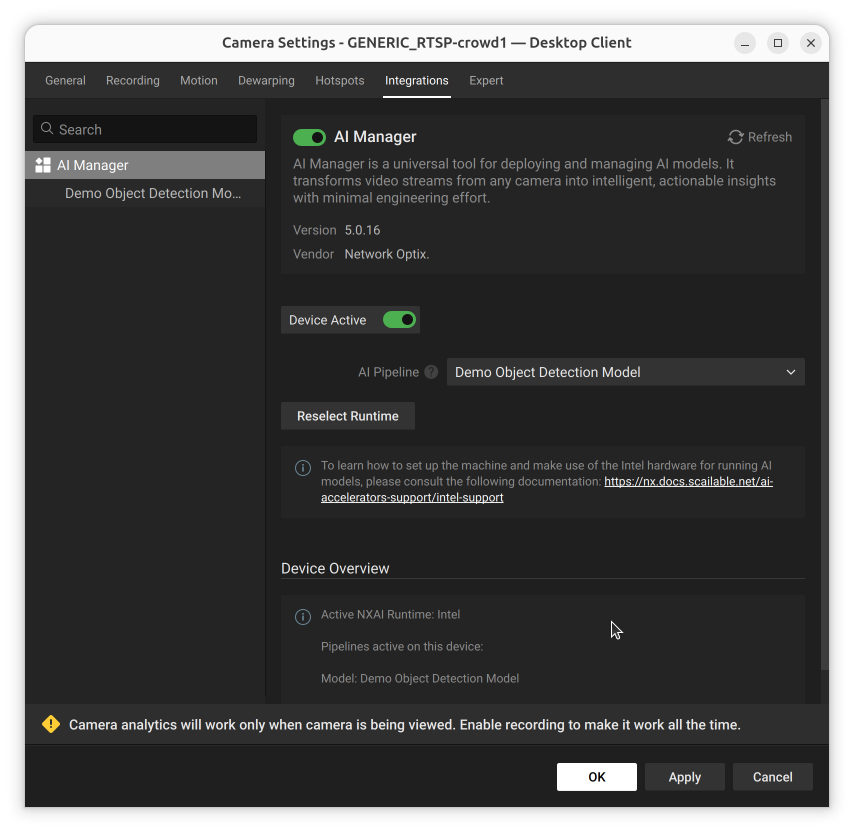
Device Overview reports the currently active acceleration runtime alongside the pipeline summary:
Device Overview reporting an Intel runtime instead of the Generic CPU default