> For the complete documentation index, see [llms.txt](https://nx.docs.scailable.net/llms.txt). Markdown versions of documentation pages are available by appending `.md` to page URLs; this page is available as [Markdown](https://nx.docs.scailable.net/ai-manager-v6.1.4/ai-manager-plugin/configure-the-plugin/plugin-settings/reselect-runtime.md).
# Reselect Runtime
Switch between acceleration runtimes when the current one is not working correctly.
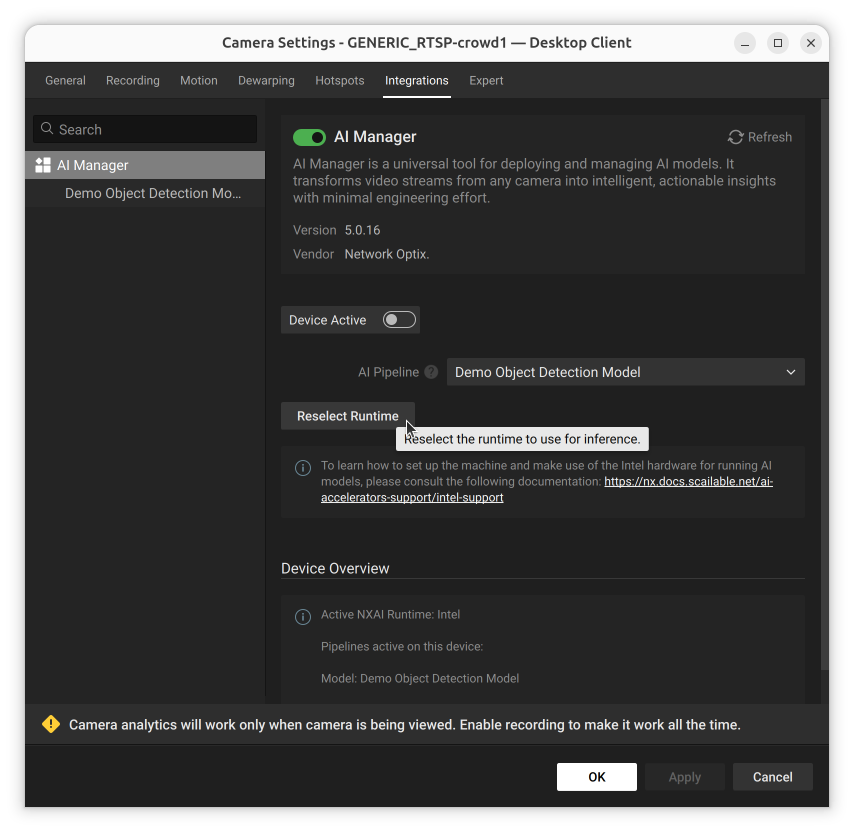
An option to switch between different [acceleration runtimes](/ai-manager-v6.1.4/ai-accelerators-support/supported-ai-accelerators.md). For example if your device has a built in NPU and the runtime for that is not working correctly, switch to a CPU-based runtime until the NPU runtime is fixed.
The Reselect Runtime button
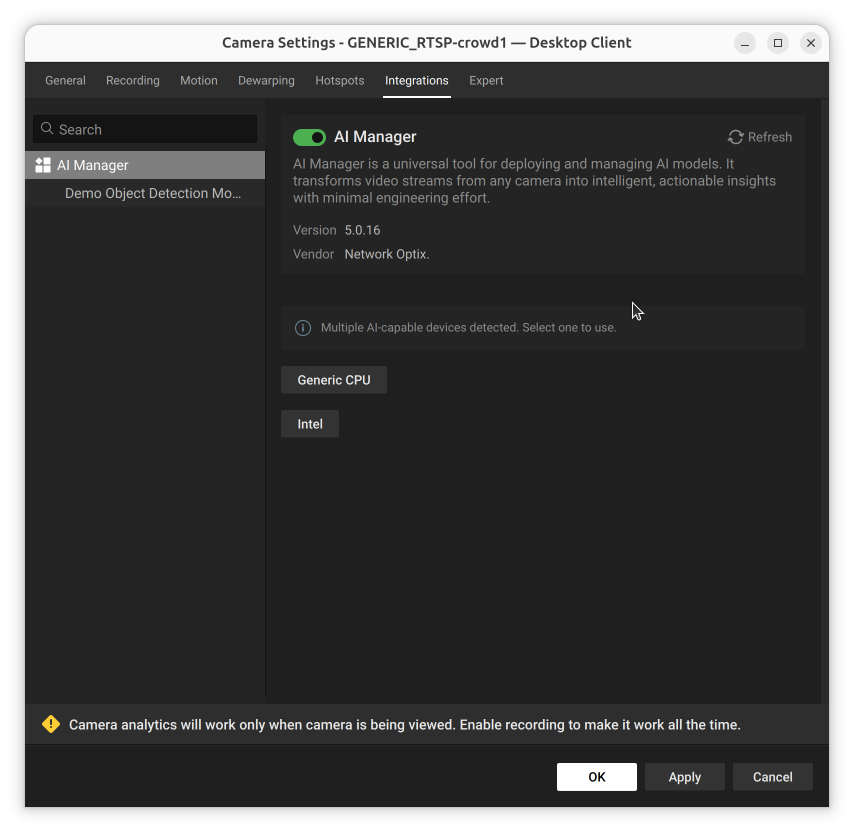
After choosing to reselect the runtime, a list of the available runtimes to choose from is usually shown:
Runtime selection: choose the acceleration library for your hardware
See [Runtime Selection](/ai-manager-v6.1.4/ai-manager-plugin/configure-the-plugin/runtime-selection.md) for the acceleration-library install and cloud-device-parameter states that can appear during this process.