> For the complete documentation index, see [llms.txt](https://nx.docs.scailable.net/llms.txt). Markdown versions of documentation pages are available by appending `.md` to page URLs; this page is available as [Markdown](https://nx.docs.scailable.net/ai-manager-v6.1.4/ai-manager-plugin/configure-the-plugin/runtime-selection.md).

# Runtime selection

## Detect Available Runtimes

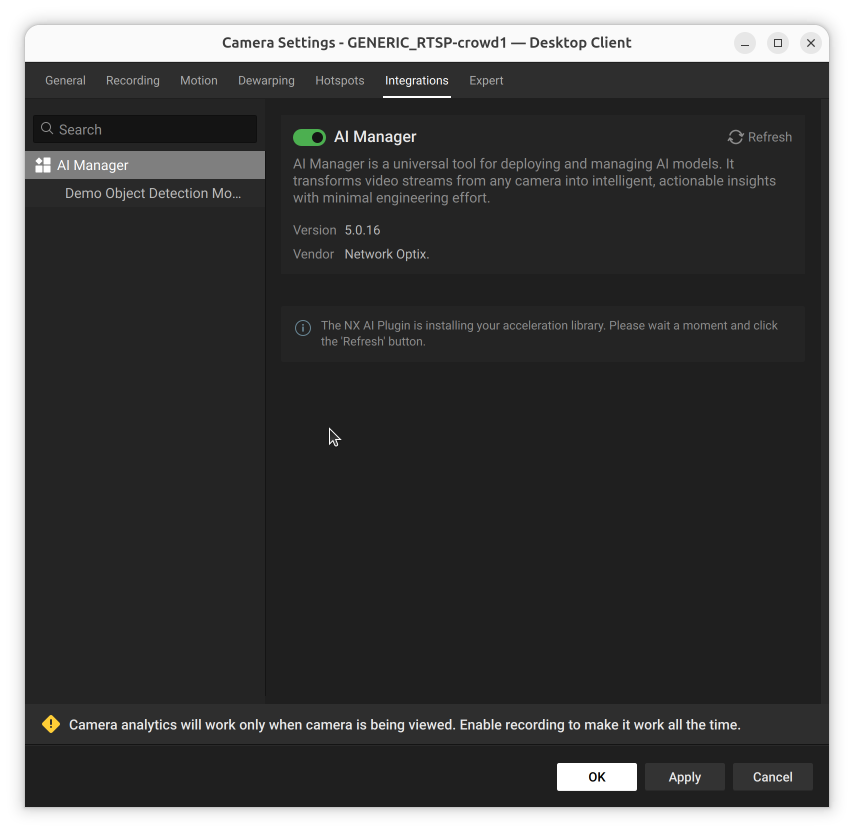
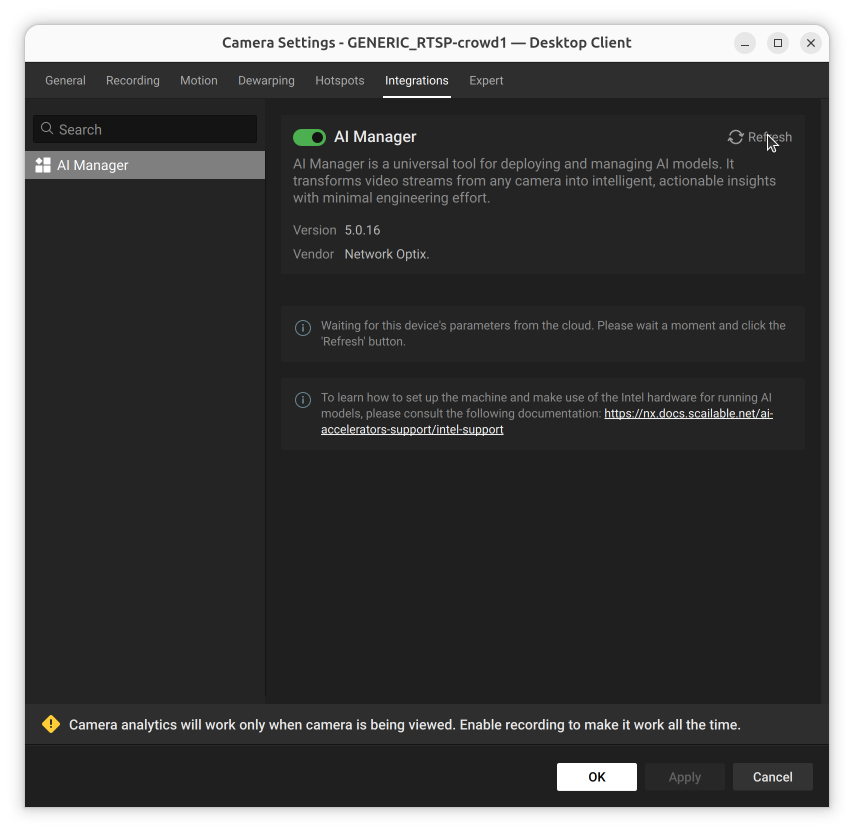
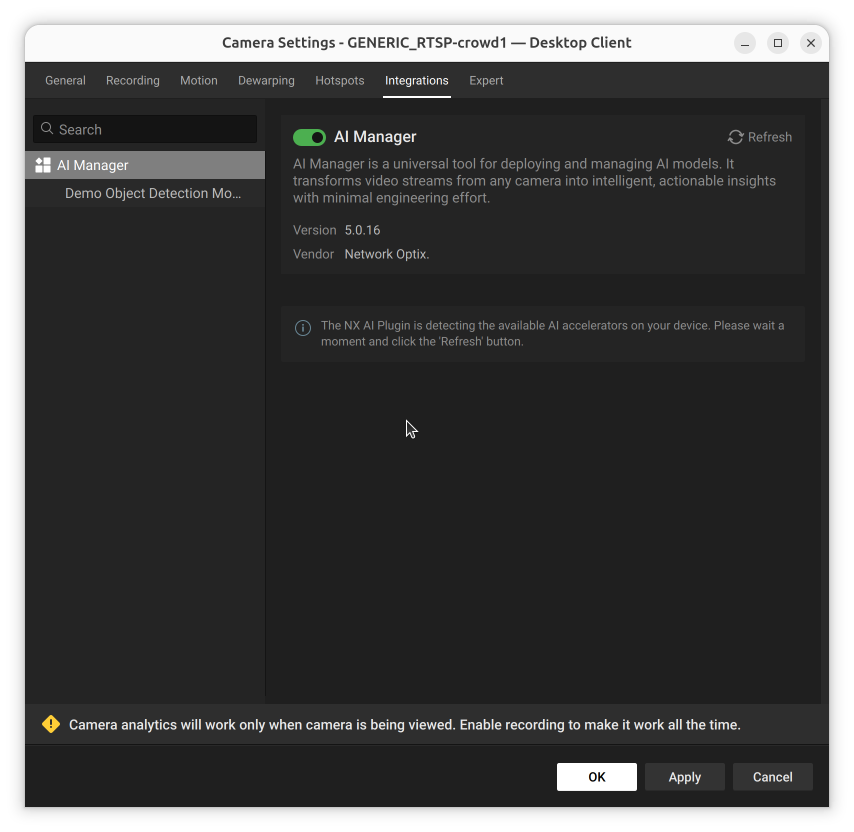
When the plugin first starts, the AI Manager plugin auto-detects the available runtimes for the server.

<figure><img src="/files/1Jabku687W0dqMq5tWJS" alt="Plugin settings showing the acceleration library installation progress with a prompt to wait and click Refresh"><figcaption><p>Detecting the available acceleration libraries</p></figcaption></figure>

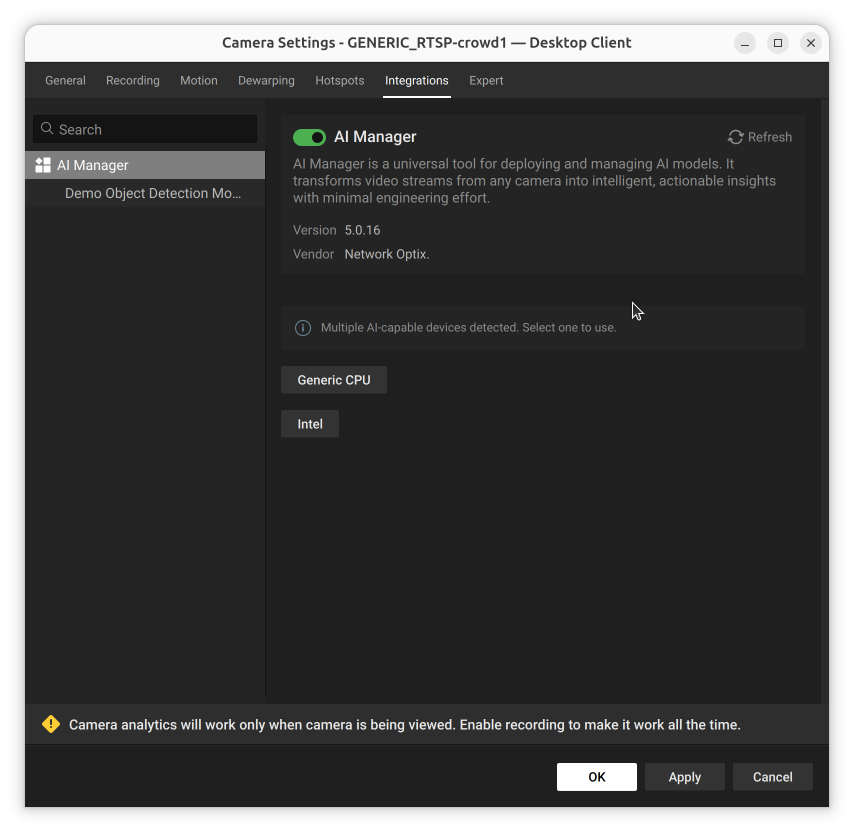
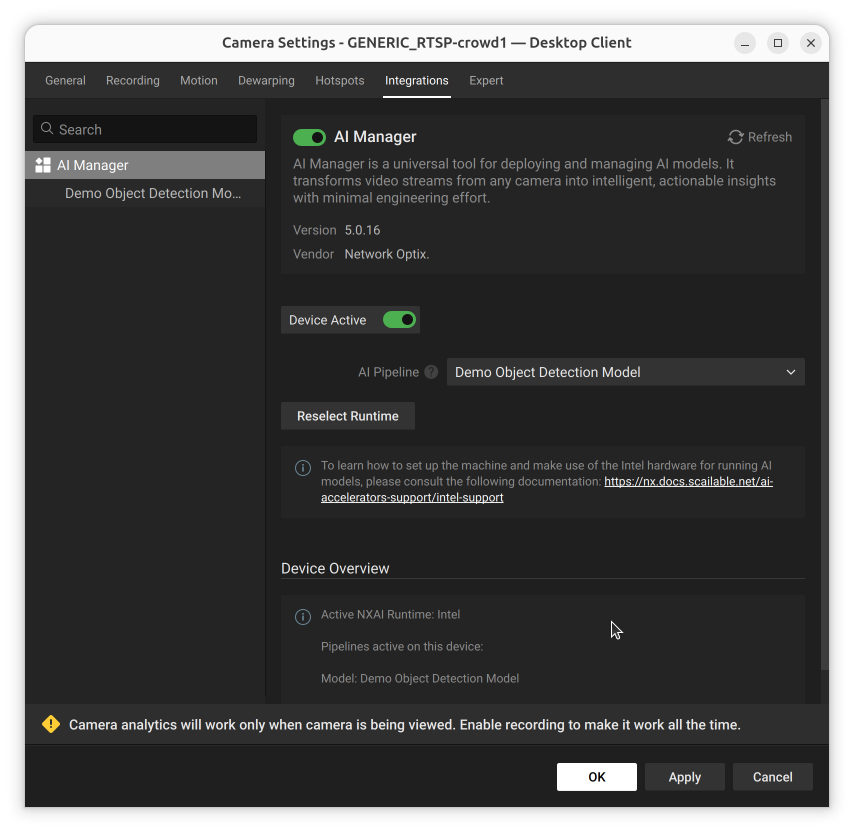
After detection completes, a list of the available runtimes to choose from is usually shown

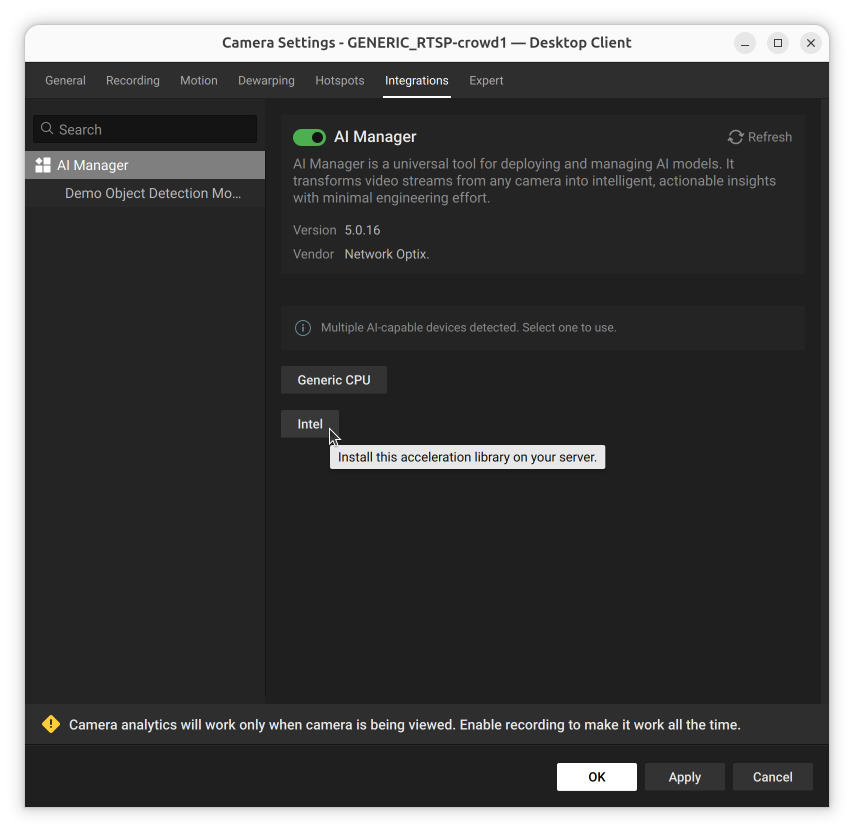
<figure><img src="/files/B2SF8eeTAaejiahTvb45" alt="Plugin settings showing Multiple AI-capable devices detected with Generic CPU and Intel runtime options"><figcaption><p>Runtime selection - choose the acceleration library for your hardware</p></figcaption></figure>

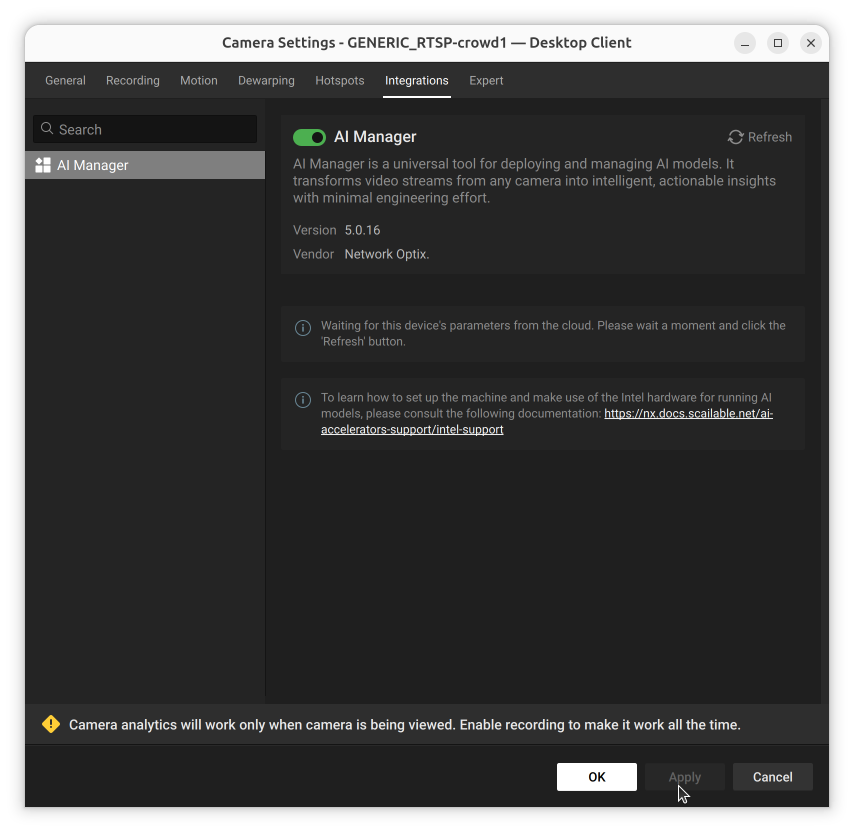
The default "Generic CPU" runtime is usually available; depending on the hardware platform or installed [AI Accelerators](/ai-manager-v6.1.4/ai-accelerators-support/supported-ai-accelerators.md), other options also appear. Currently Intel OpenVino, NVIDIA, Hailo, MemryX and more are available.