> For the complete documentation index, see [llms.txt](https://nx.docs.scailable.net/llms.txt). Markdown versions of documentation pages are available by appending `.md` to page URLs; this page is available as [Markdown](https://nx.docs.scailable.net/nx-ai-manager-v4.x/nx-ai-cloud/upload-your-model.md).
# Upload your model
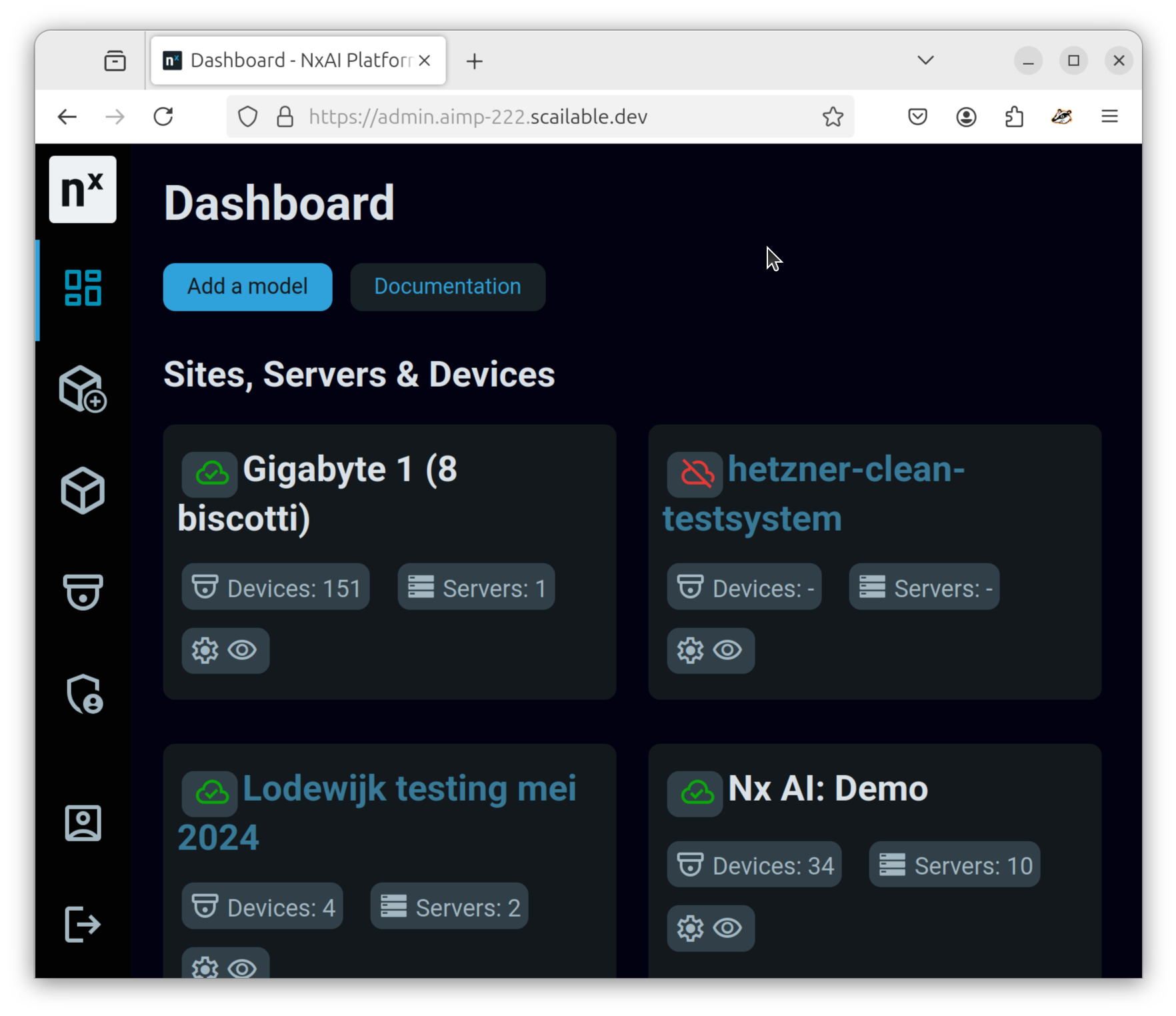
After you have [created your model](/nx-ai-manager-v4.x/for-data-scientists/custom-model-creation.md) and made sure it [conforms to the Nx ONNX requirements](/nx-ai-manager-v4.x/for-data-scientists/onnx-requirements.md), you can easily upload it to make it available in Nx Cloud and, thereby, to all your Nx Servers. First, click on the "Add a model" button, top left:
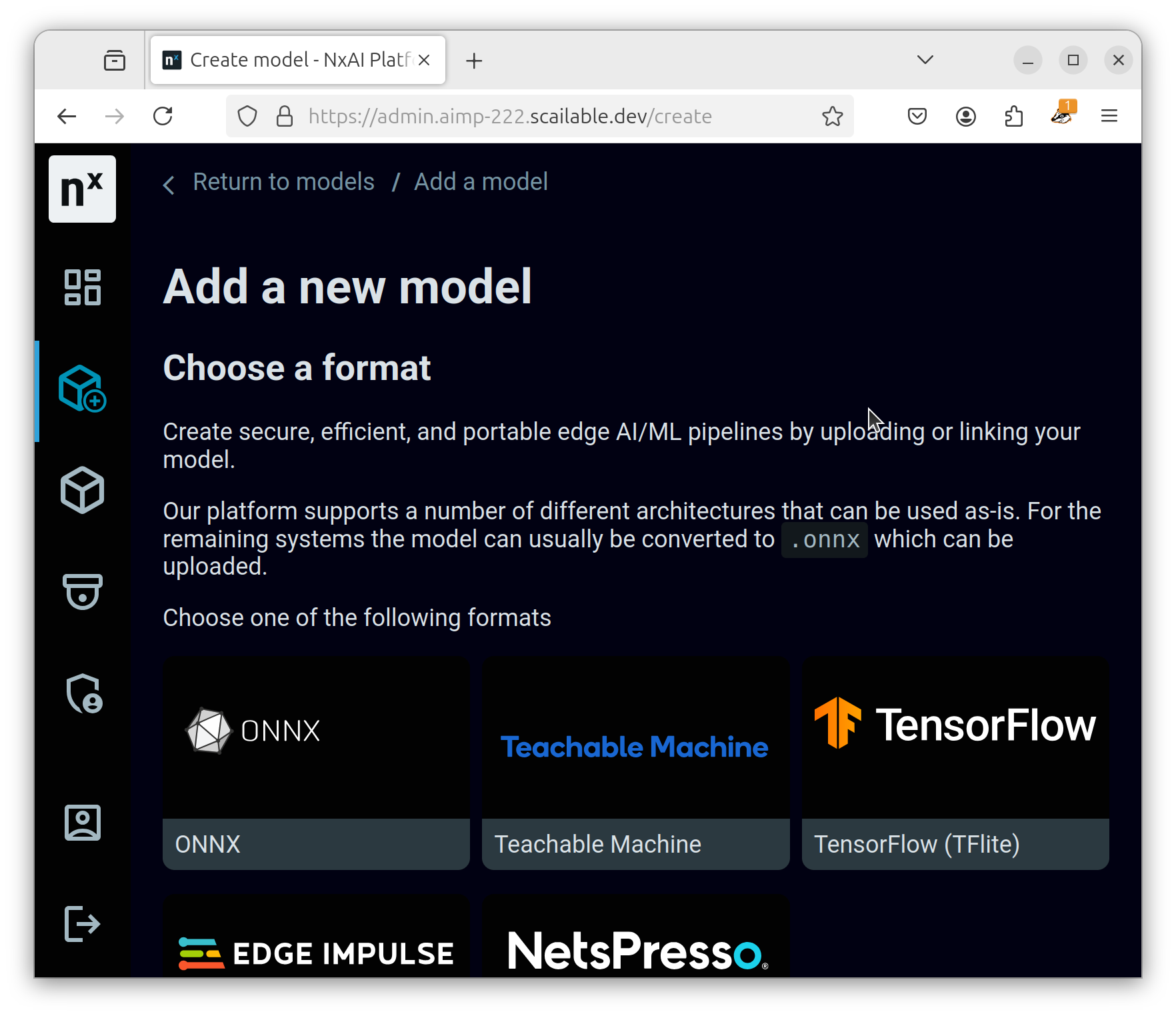
Next, choose (in the case of an ONNX model) the "ONNX" upload button:
Drag and drop your ONNX model into the drag and drop area, choose a name for your model, add some documentation, and, potentially, set its [normalisation values](/nx-ai-manager-v4.x/nx-ai-cloud/upload-your-model/normalization.md):
After the model is uploaded, a series of conversions will be run to generate optimized model files for each supported target [AI accelerator](/nx-ai-manager-v4.x/ai-accelerators-support/supported-ai-accelerators.md).
When this is completed you will get an email and the model is [ready to be used](/nx-ai-manager-v4.x/nx-ai-cloud/use-your-model.md) on your devices.