> For the complete documentation index, see [llms.txt](https://nx.docs.scailable.net/llms.txt). Markdown versions of documentation pages are available by appending `.md` to page URLs; this page is available as [Markdown](https://nx.docs.scailable.net/nx-ai-manager-v4.x/nx-ai-manager/3.-configure-the-nx-ai-manager-plugin/model-settings.md).
# 3.1 Model Settings
A device is one model pipeline with a single model
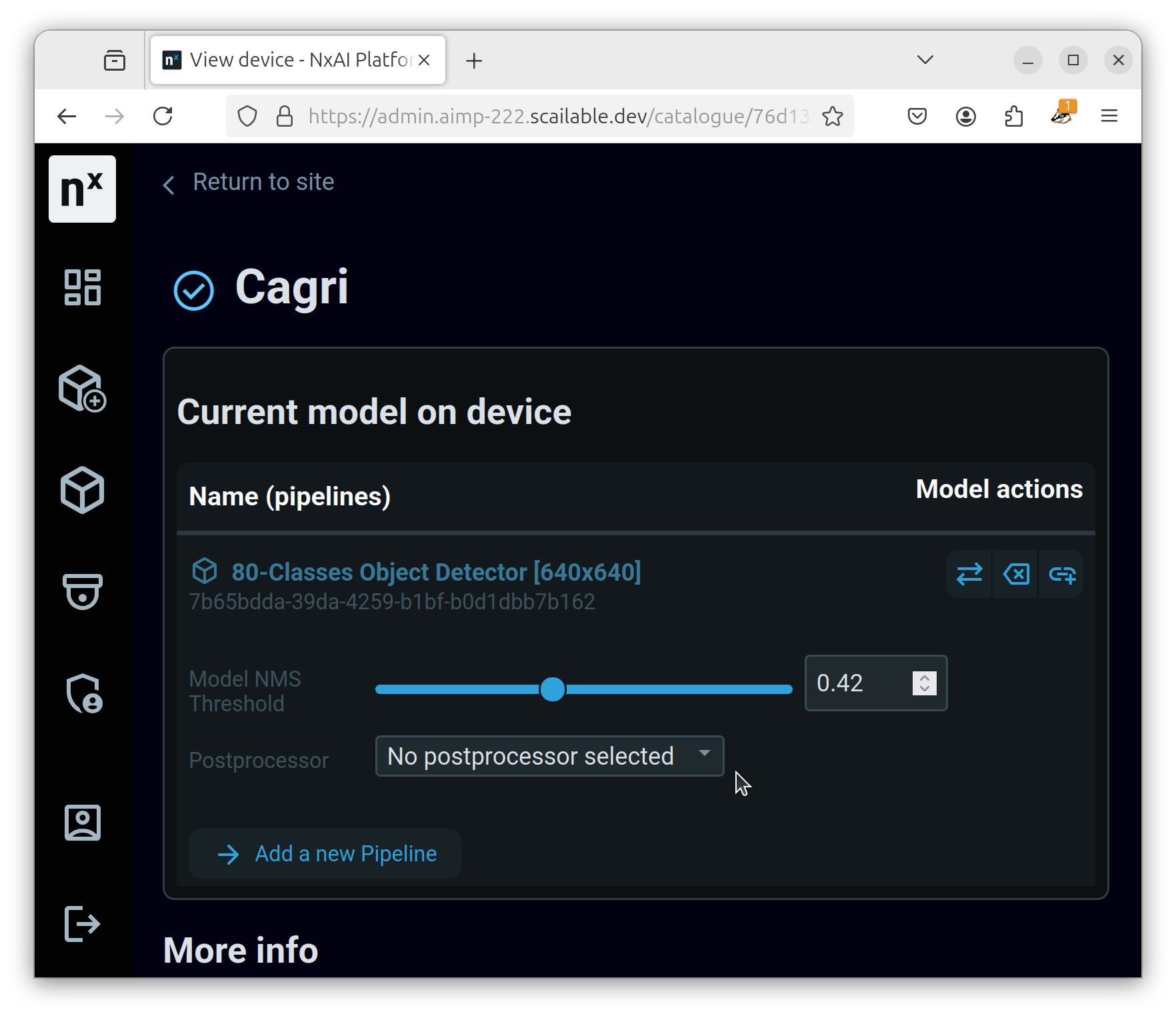
A model that is active on a device can have multiple settings These settings depend on the capabilities of the model or the server.
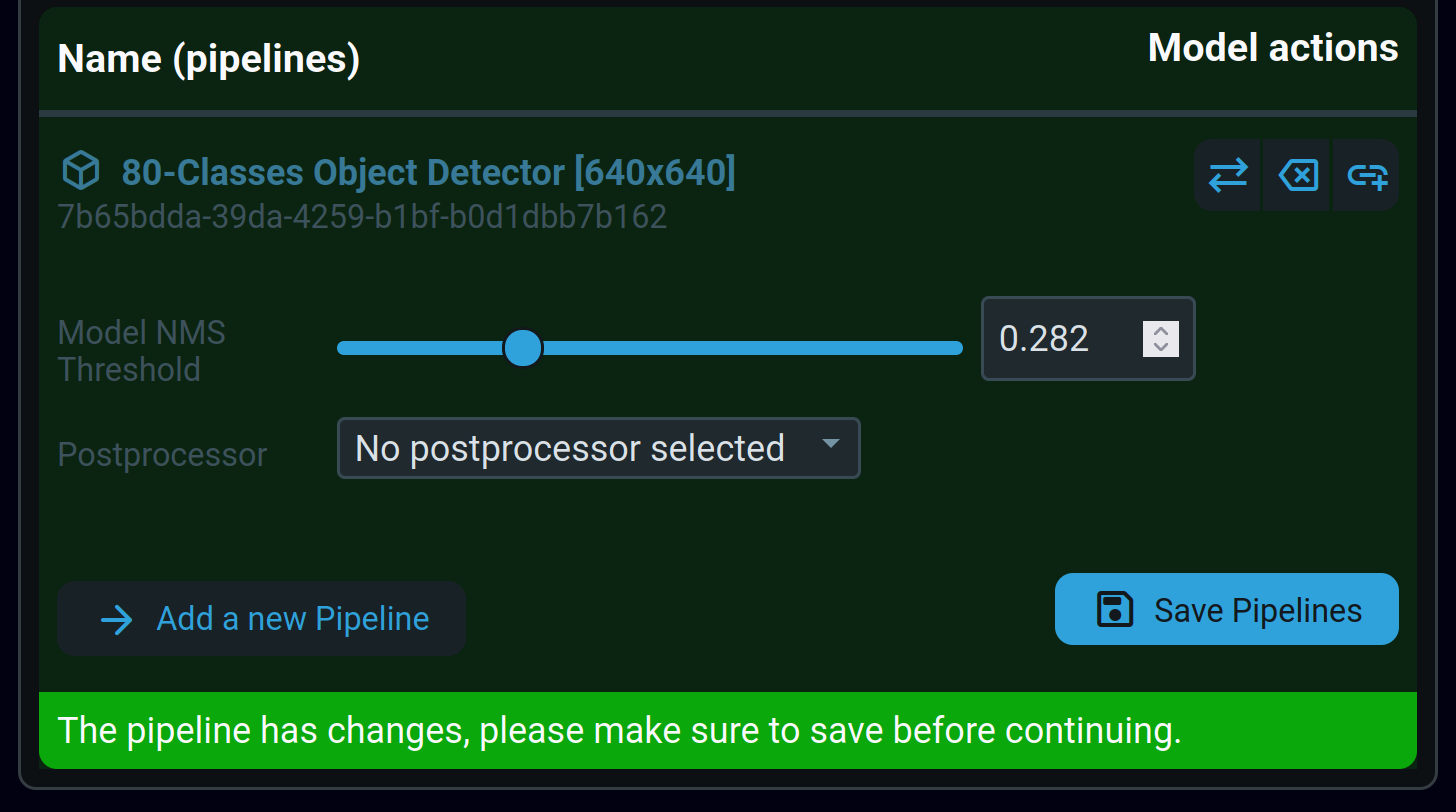
When you change one of these settings, the pipeline form will change to indicate that the settings need to be saved manually.
A model pipeline form with changed settings that are not saved yet
To save the settings, click the "Save pipelines" button. If you do not want to save the settings, refreshing the page will reset the form. Navigating away from the device details page will also reset the form without saving the settings.
### Model NMS Threshold
The NMS Threshold (Non Max Suppression) sets the cut off for when models should not return detections with a probability score below the current threshold value.
This is a setting that is model dependent, so not all models have this option.
### Preprocessor
If the server that the device is connected to has any preprocessors available, they can be selected here.
This is a setting that is server dependent, so moving a device to another server may change the available options.
### Postprocessor
If the server that the device is connected to has any postprocessors available, they can be selected here.
This is a setting that is server dependent, so moving a device to another server may change the available options.