> For the complete documentation index, see [llms.txt](https://nx.docs.scailable.net/llms.txt). Markdown versions of documentation pages are available by appending `.md` to page URLs; this page is available as [Markdown](https://nx.docs.scailable.net/nx-ai-manager-v6.1.1/nx-ai-manager/howtos/show-ai-inference-framerate-on-video.md).
# Show AI inference framerate on video
The ability to display inference speed directly in the video feed of the Nx Meta client using the Nx AI Manager plugin is possible with the standard features that Nx Meta delivers but it is a little bit more complex than enabling a "FPS" switch.
You can achieve this by leveraging the plugin's ability to generate Analytics Events and display them as a Text Overlay on the video feed with the built in Rules Engine.
#### Create an Event Rule in Nx Meta
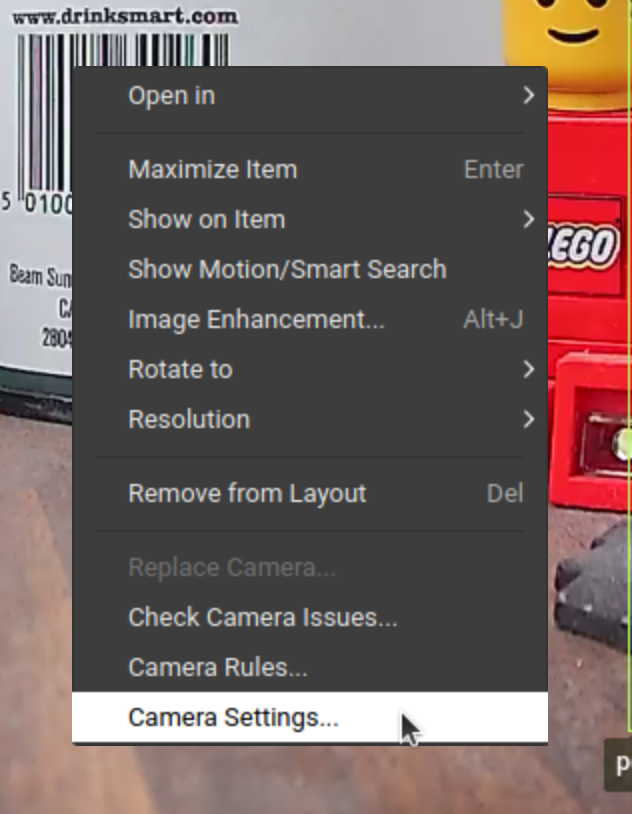
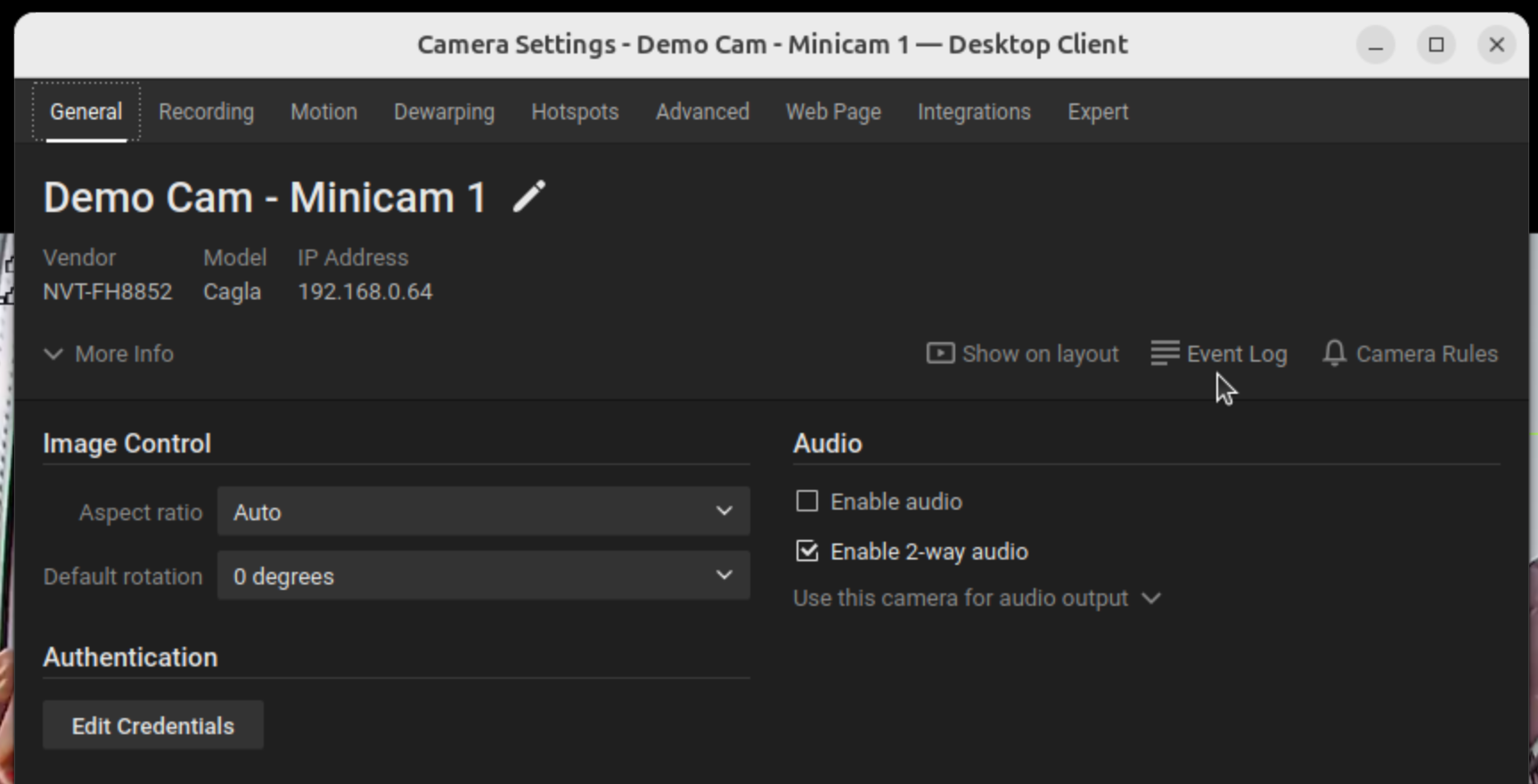
In the Nx Meta Desktop client, go to the Camera Settings for the camera running the AI plugin that you want to use for the FPS display.
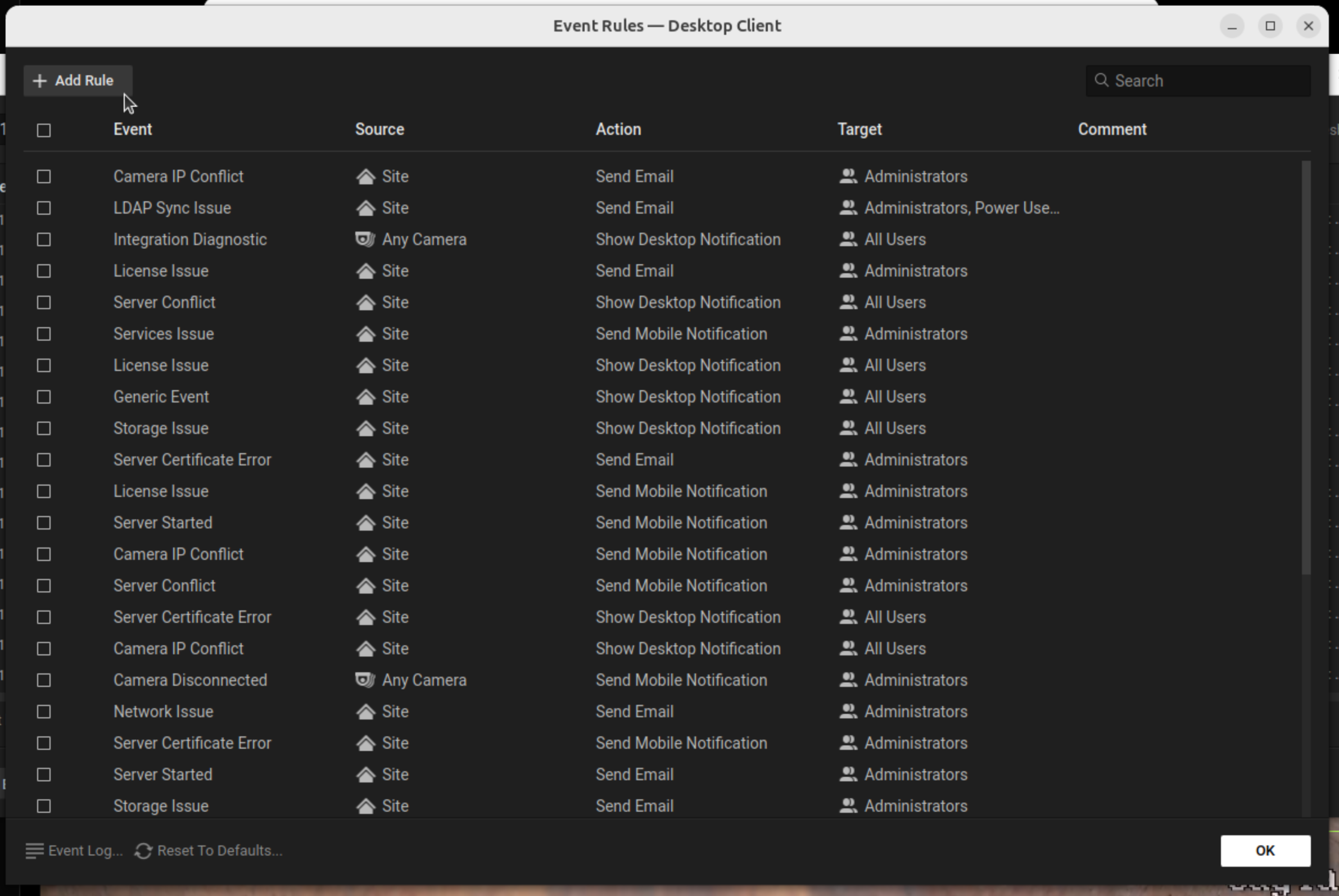
Go to the Event Rules section.
Add a New Rule
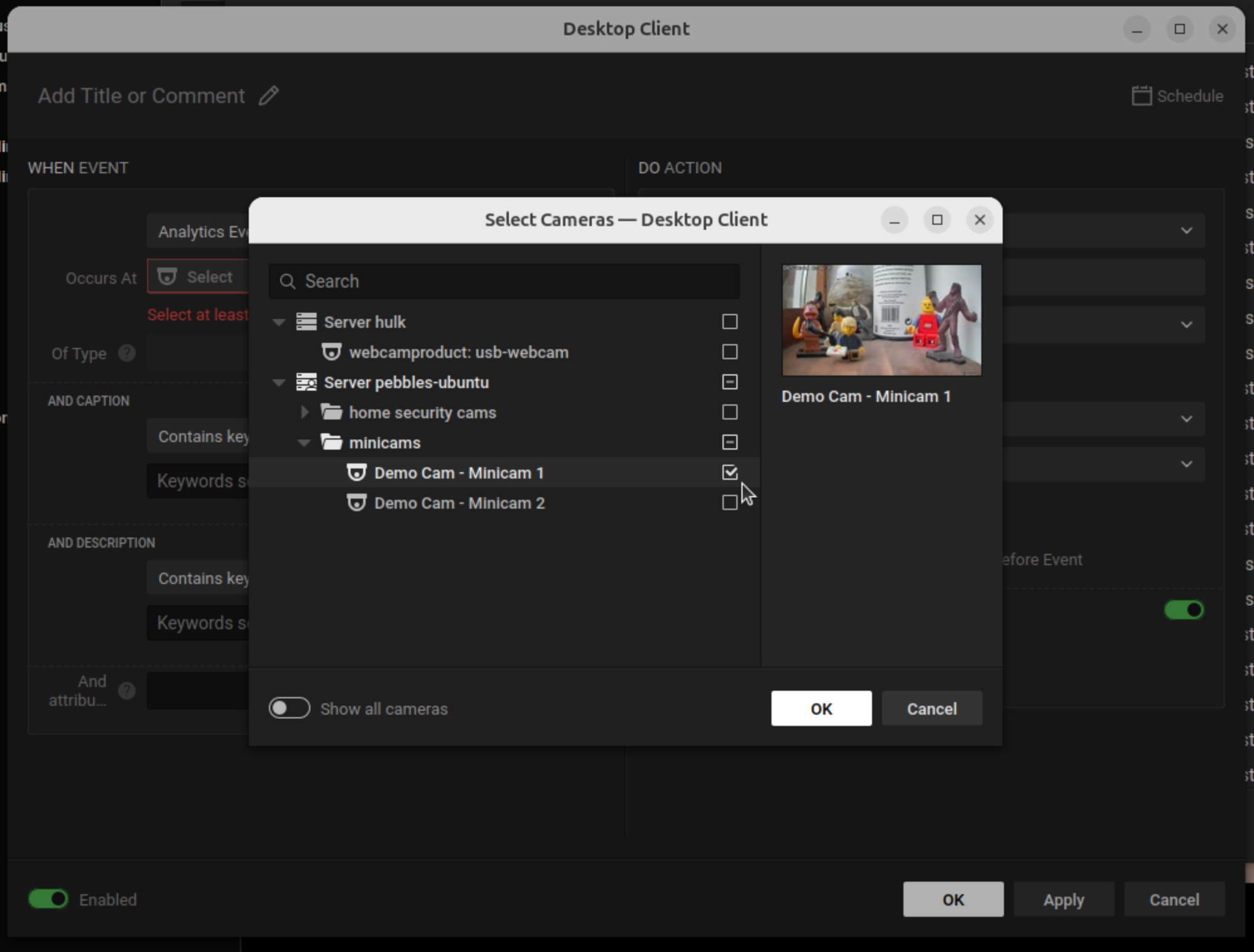
This will open a dialog where you can configure an event rule.
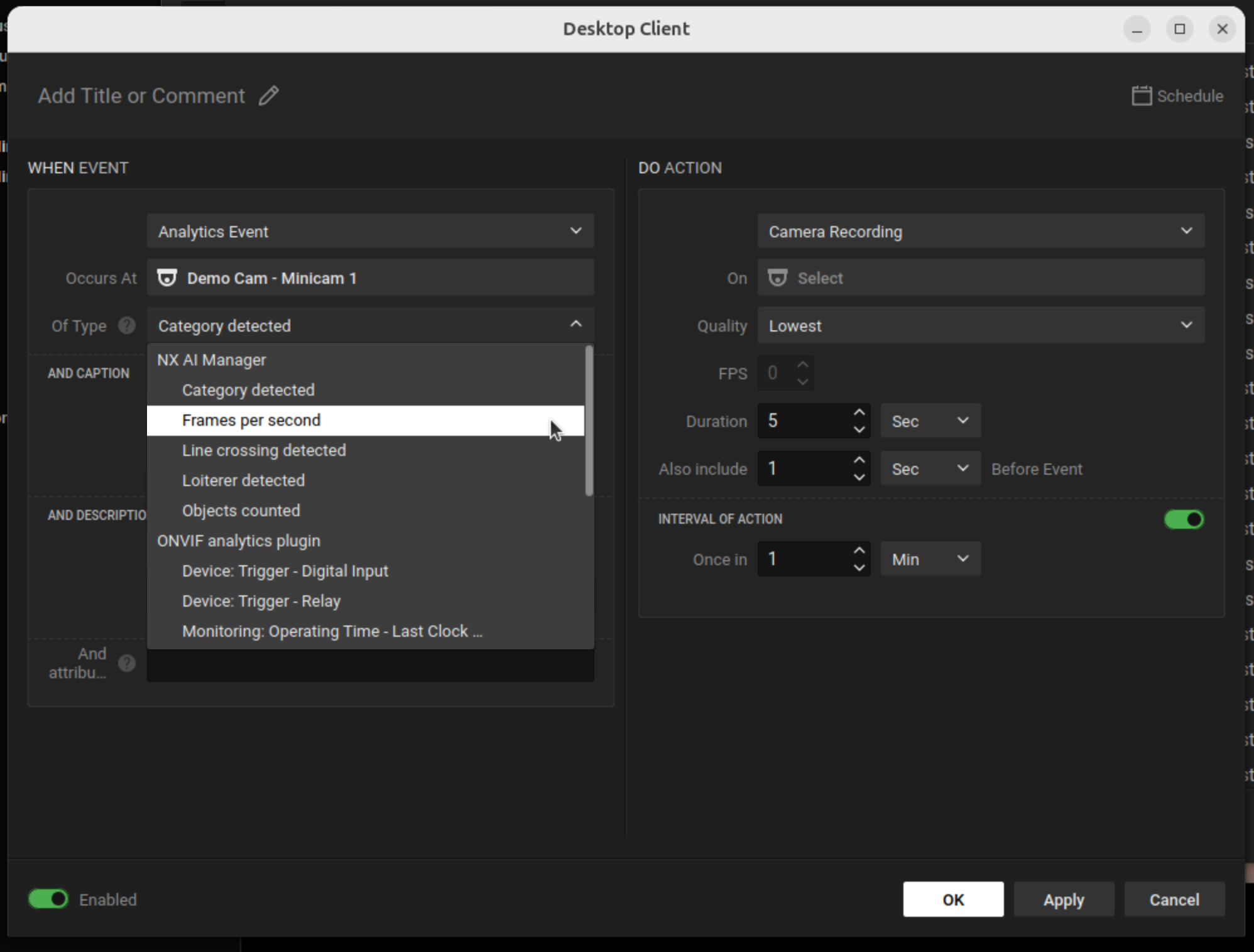
#### Set the "When" Condition with the following options
**Source**: Select the camera device.
**Event**: Select Analytics Event.
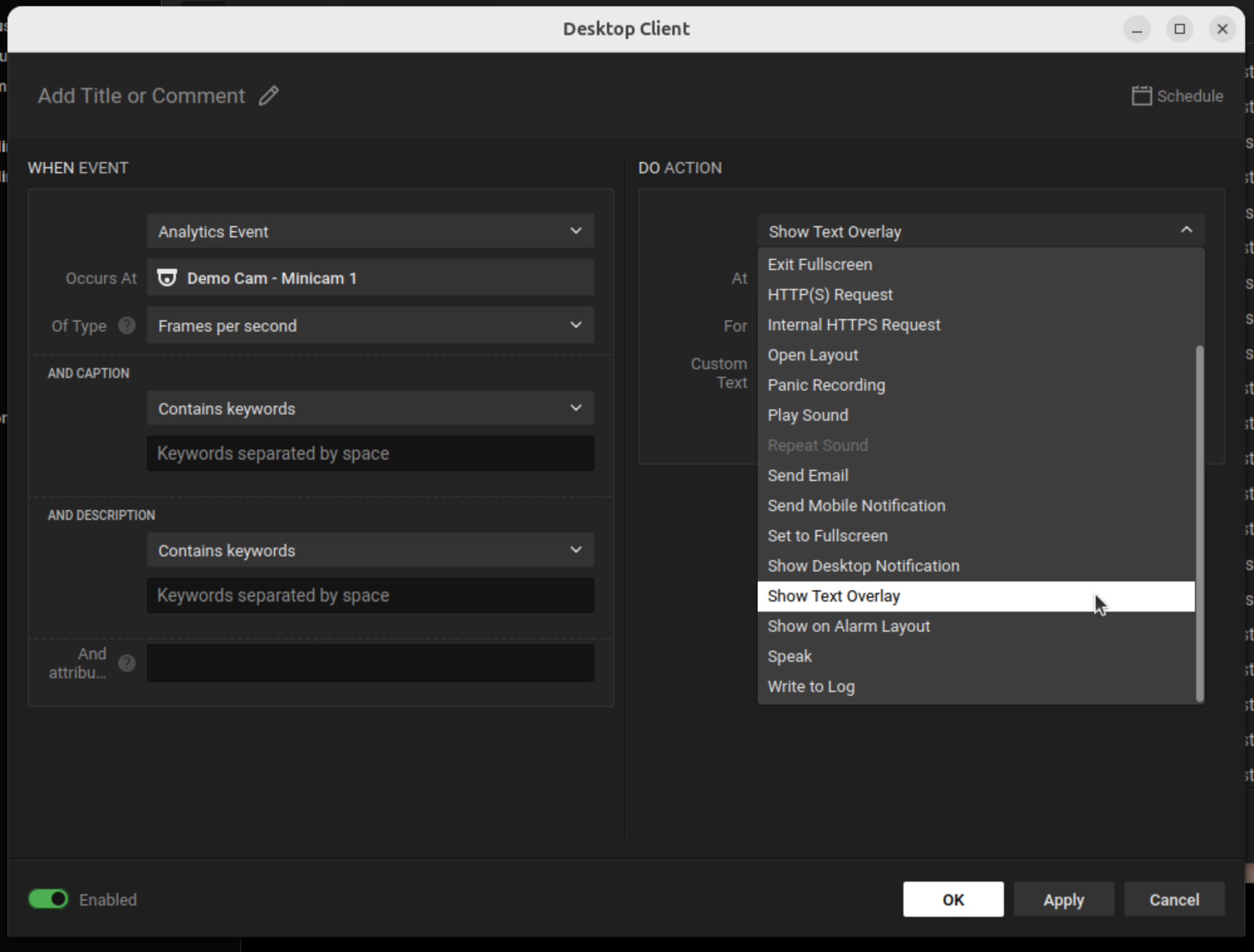
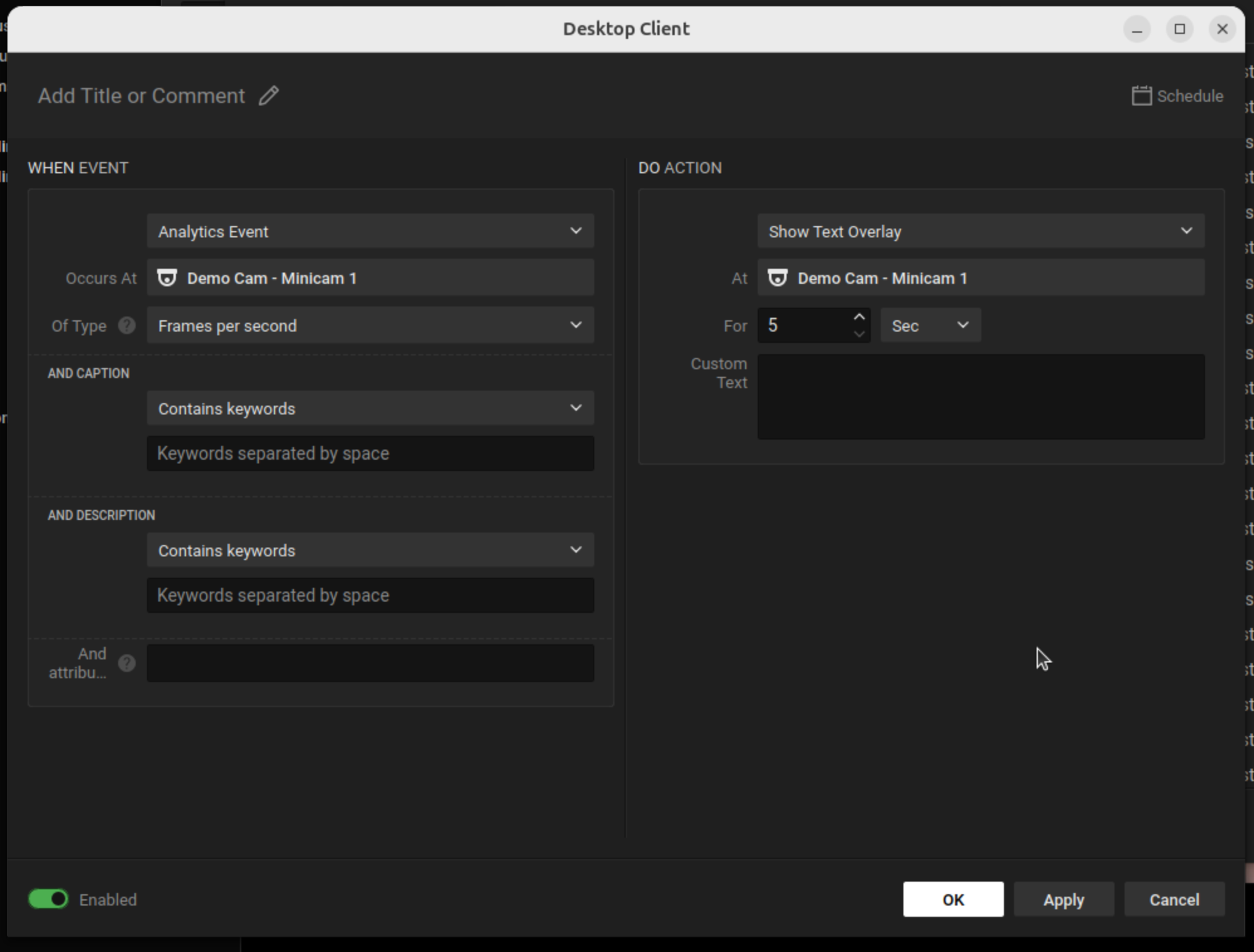
#### Set the "Do" Action with the following options
**At**: Select the camera device (Use the same camera as the source camera)
**Action**: Select Show text overlay.
**Text**: Here, you would use a macro or placeholder provided by the Nx AI Manager to insert the value of the inference speed from the analytics event.
The exact placeholder will depend on how your custom postprocessor is structured.
For simple events, you might be able to pull the `$eventText` or similar variable that contains the speed you packaged.
In this case the default is sufficient, so no custom text is needed.
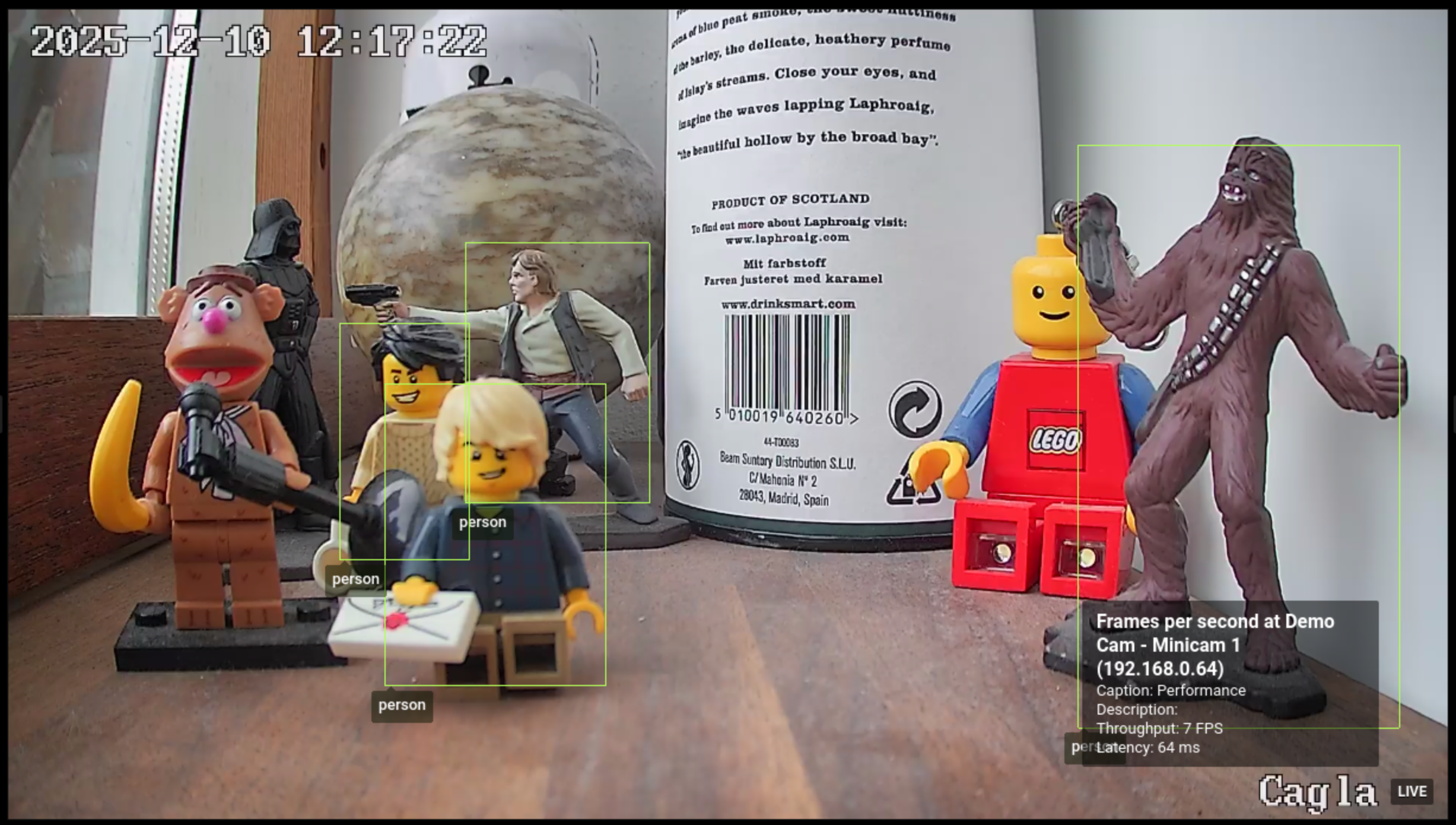
When the analytics event containing the inference speed is triggered, the overlay with the throughput in frames per second will be displayed on the video feed in the Nx Meta client.
***